Getting Started with the Claude API in Python
What changed
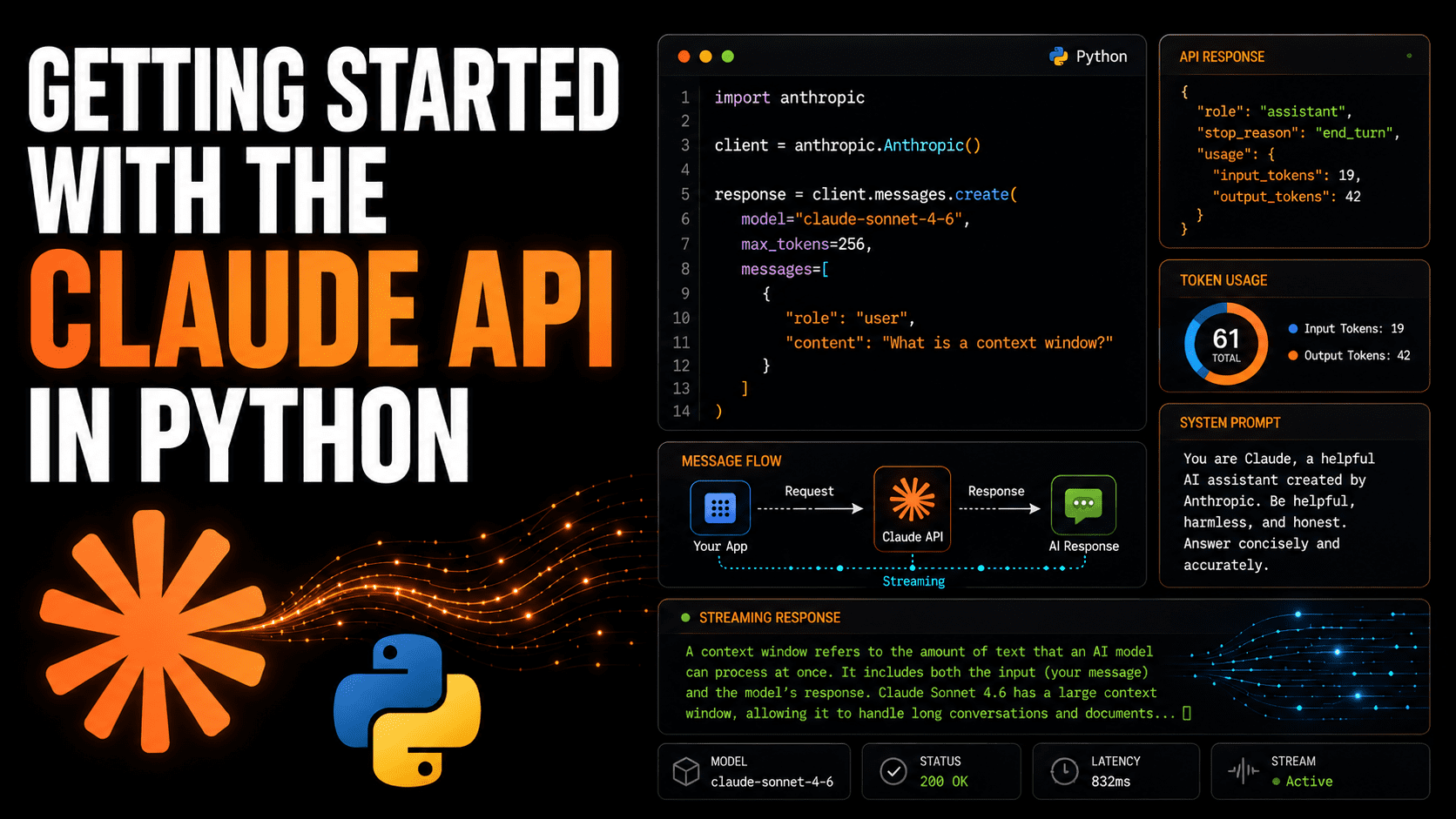
The Claude API gained official Python SDK support, simplifying the process of integrating Anthropic’s AI assistant into applications. Developers can now make their first API calls with straightforward code snippets, sending requests and handling responses using the new SDK. This lowers barriers for Python users to leverage Claude’s conversational AI features.
Why builders should care
Accessing powerful AI tools like Claude now requires less custom setup and boilerplate code, speeding development cycles. Python is the leading language for AI and data workflows, so official SDKs boost reliability and maintenance. Builders working on chatbots, automation, or decision support can plug into Claude’s natural language capabilities without wrestling with lower-level HTTP requests.
The practical takeaway
The official SDK offers a clean interface to authenticate, send prompts, and receive generated text responses. This clarity gives teams more confidence to experiment with Claude’s contextual understanding and safety guardrails. Developers save time on input formatting, error handling, and can focus on crafting effective prompts. Early adoption may also yield insights on Claude’s distinct language reasoning compared with other APIs.
What to watch next
It’s worth tracking how fast the Claude API evolves and how Anthropic expands SDK support across languages or cloud environments. Attention to API stability, pricing, and feature updates will shape builder preferences. Integrators should also monitor Claude’s integration into popular frameworks, dashboards, or business tools that could accelerate deployment beyond Python scripts.
AI Quick Briefs Editorial Desk