OpenAI Adds Chrome Extension to Codex, Letting Its AI Agent Access LinkedIn, Salesforce, Gmail, and Interna…
What happened
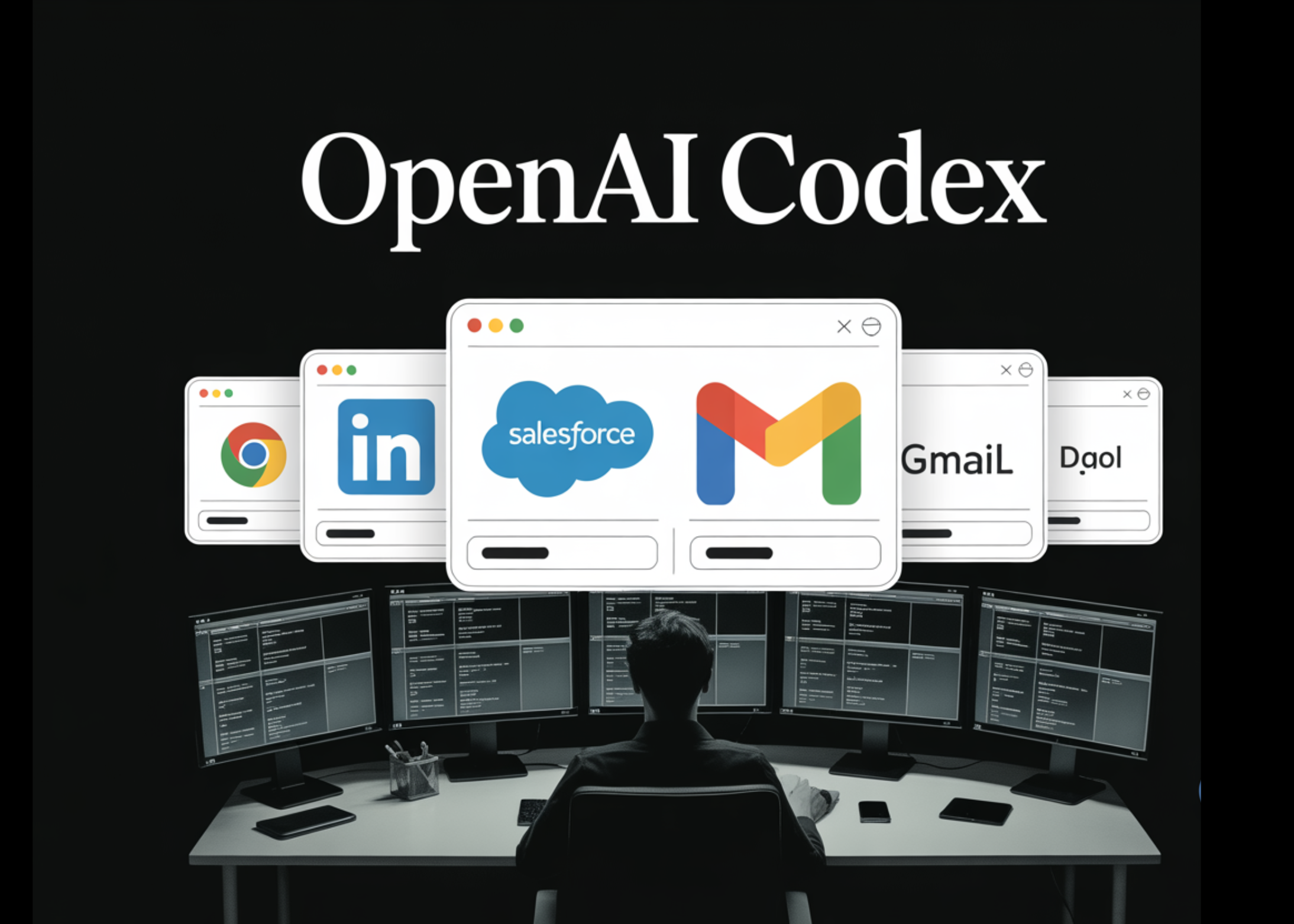
OpenAI released a Chrome extension for its Codex AI agent that lets it perform tasks inside Google Chrome on macOS and Windows. This extension allows Codex to interact with signed-in web sessions on platforms like LinkedIn, Salesforce, and Gmail. It can also use Chrome DevTools and execute multi-step workflows involving multiple browser tabs, enabling more complex and integrated browser actions.
Why it matters
This development is a clear step toward AI agents gaining direct operational control inside real user environments rather than working in isolated API silos. By accessing signed-in sessions, Codex can manipulate real user data and systems on the web without manual input. This raises the value of automation for users but also increases security risks as the AI navigates authenticated services. It changes how AI can augment workflows, accelerating task automation while pushing companies to rethink web security around AI-driven access.
What changes in practice
Builders using Codex can now automate complex, multi-tab browser tasks that previously required manual scripting or direct user actions. For example, they can create routines that pull data from Salesforce, draft emails via Gmail, and update LinkedIn profiles all in one flow. Founders will see this as a way to lower development costs by outsourcing browser automation to AI rather than building specialized integrations. Buyers of automation tools need to evaluate how this shift affects their vendor risk since the AI operates with user permissions upgraded by sign-ins, potentially increasing exposure if compromised. Investors should watch how this feature drives demand for AI-assisted automation tools or heightens regulatory scrutiny on data handling. Security teams must assess new attack surfaces created by AI agents accessing sensitive authenticated sessions and DevTools capabilities, requiring tighter monitoring and controls.
Who should pay attention
AI developers and product managers will want to track how this extension changes what’s possible in user-facing automation. Enterprises relying heavily on cloud apps and CRMs stand to benefit or suffer from the evolving attack and automation surfaces. Small businesses that use tools like Gmail and Salesforce can automate tedious workflows more easily but must stay alert to security risks from improper AI access. Security teams across industries should scrutinize this tightly since AI now blurs lines between user and bot activity on authenticated services. Investors focused on AI startups offering workflow automation and browser integrations will need to gauge how this extension shifts competitive dynamics and compliance costs.
What to watch next
Look for adoption signals in real projects using Codex’s Chrome extension to perform multi-step workflows across SaaS platforms. Monitor emerging security incidents or vulnerability disclosures related to AI agents accessing authenticated browser sessions. Pay attention to any regulatory filings or policy changes around AI-driven access to personal and enterprise data through browser extensions. Notice if competitors release similar extensions or integrations that increase the pressure on AI automation capabilities within everyday web tools. Growth in developer community feedback and third-party extensions supporting this feature will also indicate how viable and valuable this approach becomes.
AI Quick Briefs Editorial Desk


