Google AI Studio Adds Import from GitHub to Build a Deployable App
What changed
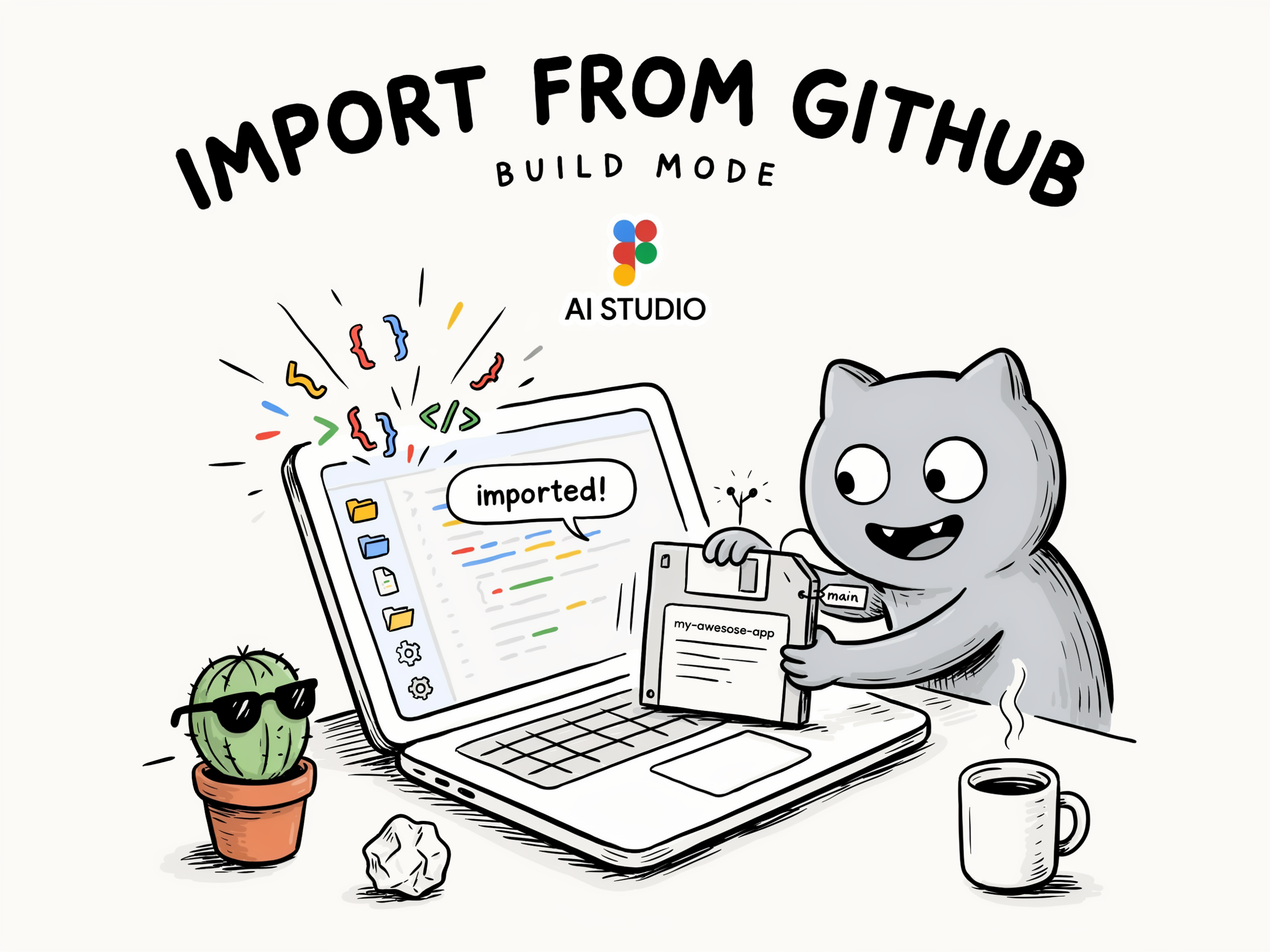
Google AI Studio now lets users import projects directly from GitHub when working in Build mode. This feature converts existing GitHub repositories into a format that’s ready to run in AI Studio’s runtime environment. After the import, developers can make updates, test changes, and deploy applications all within the platform.
Why builders should care
This update simplifies the transition from code hosted on GitHub to live AI applications. Builders no longer need to manually reconfigure or rewrite their projects for AI Studio to deploy them. It cuts down the overhead of moving from development to operational deployment, making it easier to iterate and manage AI workloads in a consistent environment.
The practical takeaway
Teams using GitHub for version control gain a smoother path to launching AI-driven apps without extra integration work. It helps reduce deployment friction and maintenance costs because developers can stay within one toolchain from code to production. For startups and small teams, this could speed up product cycles and lower the barrier to deploying AI solutions.
What to watch next
Monitor how well AI Studio supports complex projects imported from GitHub, especially those with multiple dependencies or advanced runtime needs. Adoption by builders will depend on how seamless the process really is and if it handles common real-world repo setups. Also, watch if Google expands this import feature into other modes or more automated workflows.
AI Quick Briefs Editorial Desk


