Zero-Shot Local Document Parsing with Gemma 4: Treating PDFs as Images
What changed
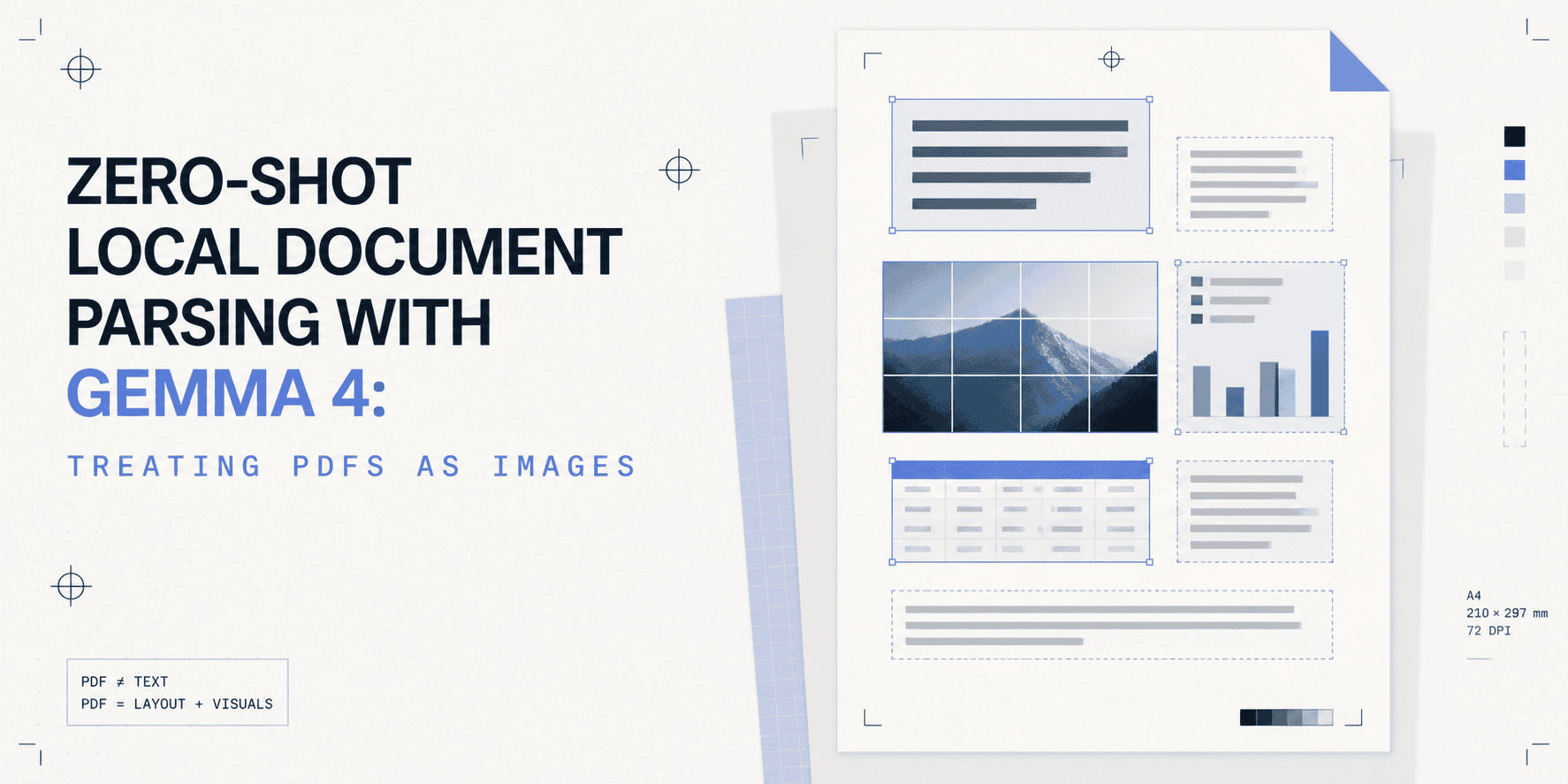
Gemma 4 approaches PDF parsing by treating PDF pages like images instead of relying on embedded text extraction. This zero-shot local document parsing method feeds page images directly into the model. It sidesteps the fragile distinctions between scanned documents and native digital PDFs, which often break traditional text extraction pipelines.
Why builders should care
Parsing PDFs has long been a headache because scanned PDFs require OCR (optical character recognition) while digital PDFs allow text extraction—but workflows struggle to handle both seamlessly. Gemma 4’s image-based method makes these differences irrelevant. Builders no longer need separate OCR pipelines or brittle heuristics to detect document types. This reduces complexity, lowers error rates, and simplifies automation for workflows dealing with diverse PDFs.
The practical takeaway
For operators and developers building document processing systems, this means less time spent troubleshooting text extraction failures linked to how PDFs were created. Treating PDFs as images works uniformly regardless of their original format or quality. This approach strengthens document parsing systems by making them more robust and less sensitive to document source inconsistencies. It also opens doors to zero-shot parsing where no prior document-specific training is necessary.
What to watch next
Follow improvements in local vision-language models that combine document image understanding with language processing in one tool. Expect incremental advances in parsing accuracy and speed as models get better at reading complex layouts from images alone. Watch for Gemma 4 and similar tools integrating into automation platforms and document-centric AI workflows for a smoother user experience.
AI Quick Briefs Editorial Desk